 Pinky PromiseE-signing
Each party sees only their own papers.
Upload a document, place the fields, send it as an envelope. Each signer gets their part, in their language, and walks away with the signed PDF.
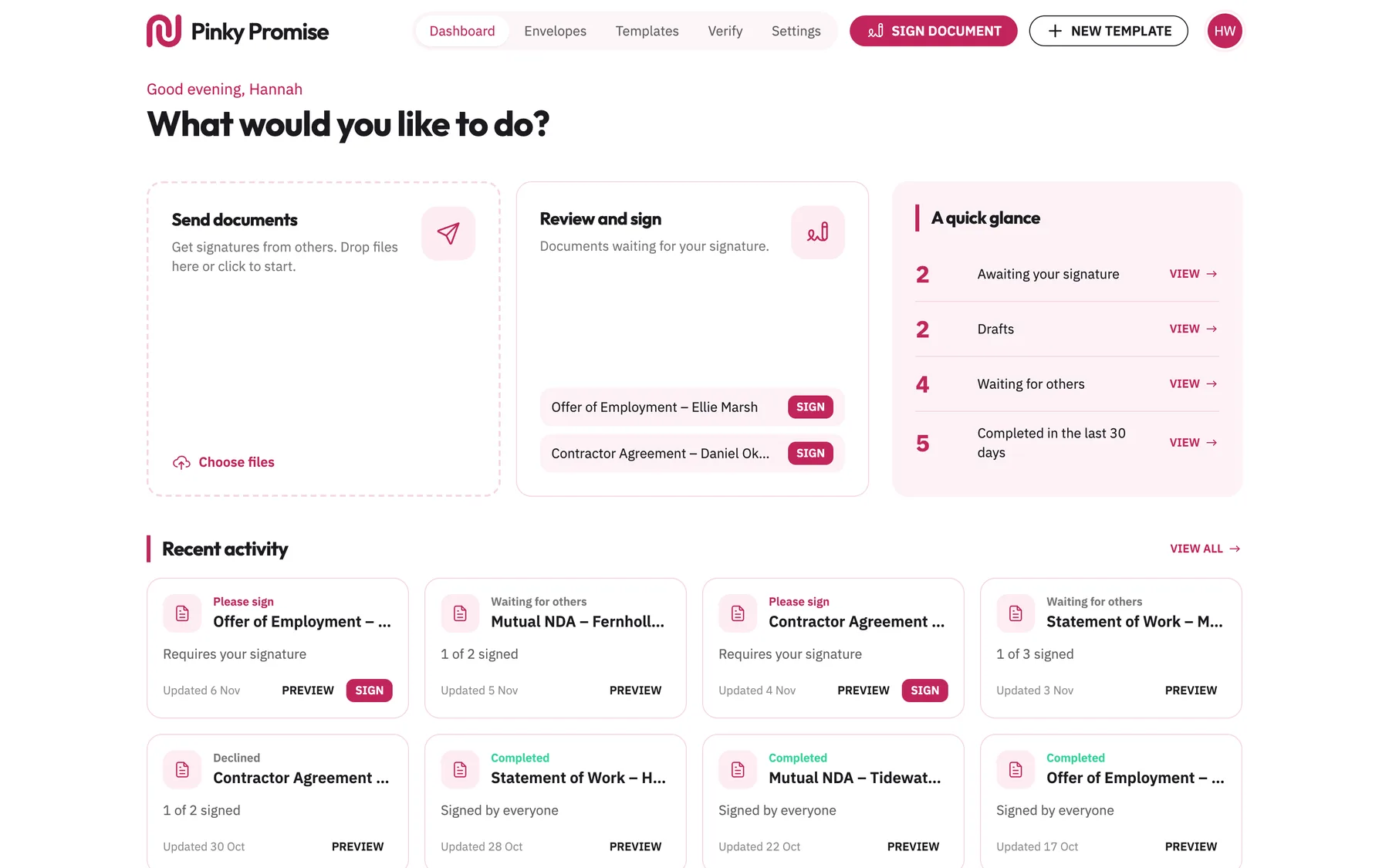
A contract is a private thing, but signing one usually isn't: links and copies go round the thread, and a signer can end up seeing more than their own part.
Signing built around privacy. A document is visible only to the person who made it, each email goes only to who it is for, and a signer gets a direct download of the signed PDF, never the preview page or the audit log.
How it works
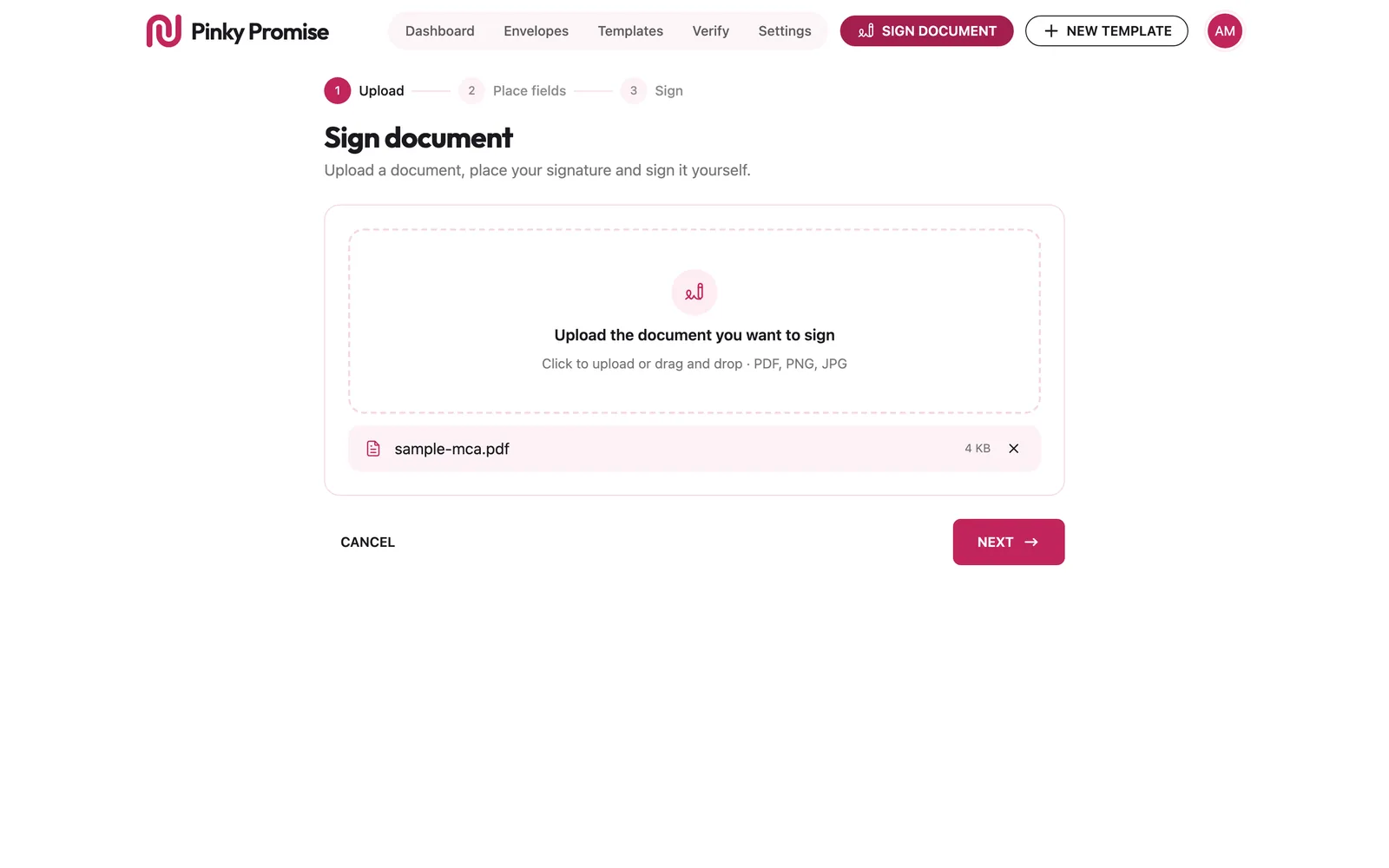
Upload the document
A PDF or an image, dragged in. Sign it yourself, or send it to others.
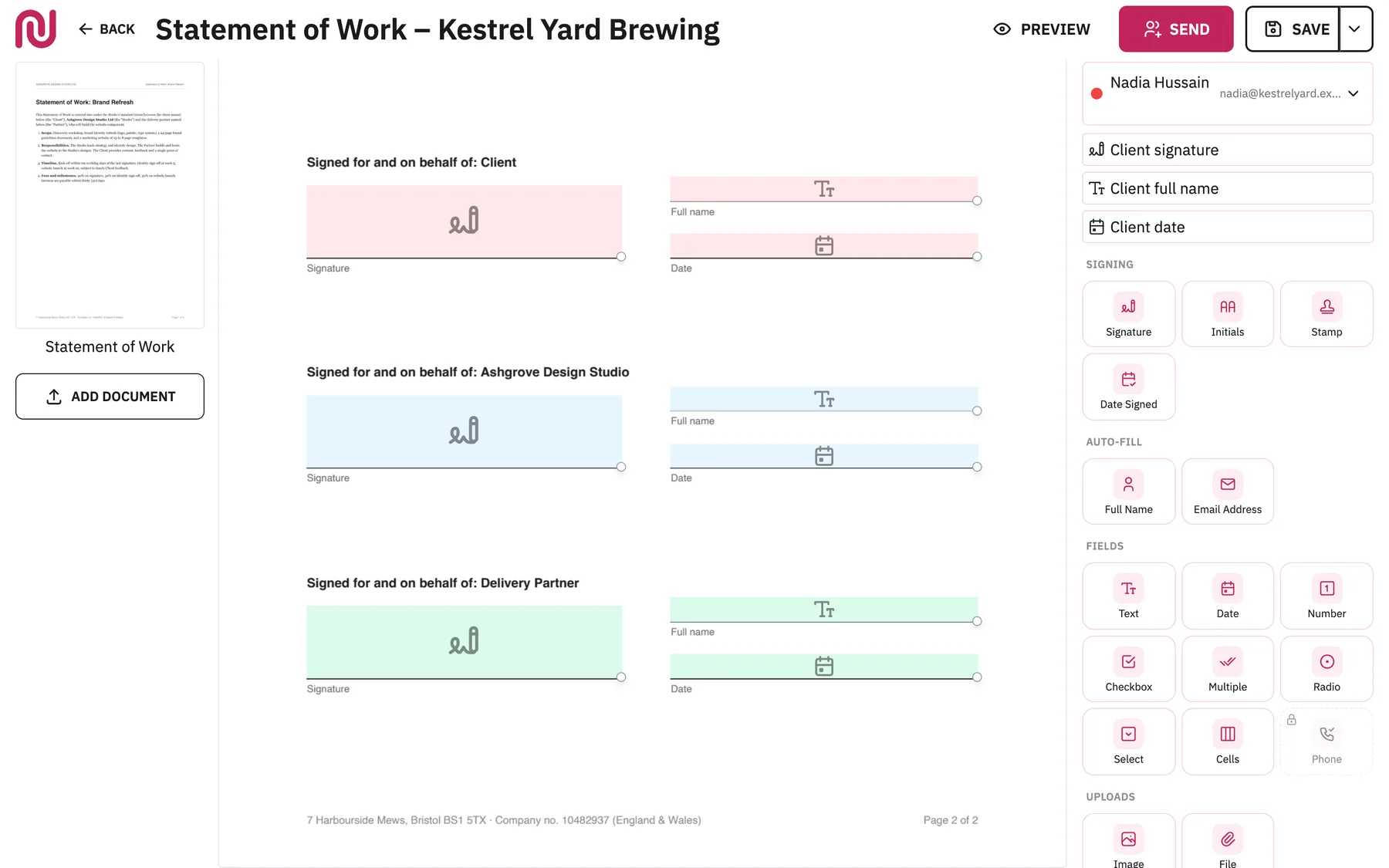
Place the fields
Signatures, initials, dates, text and checkboxes, dropped where each party fills them in.
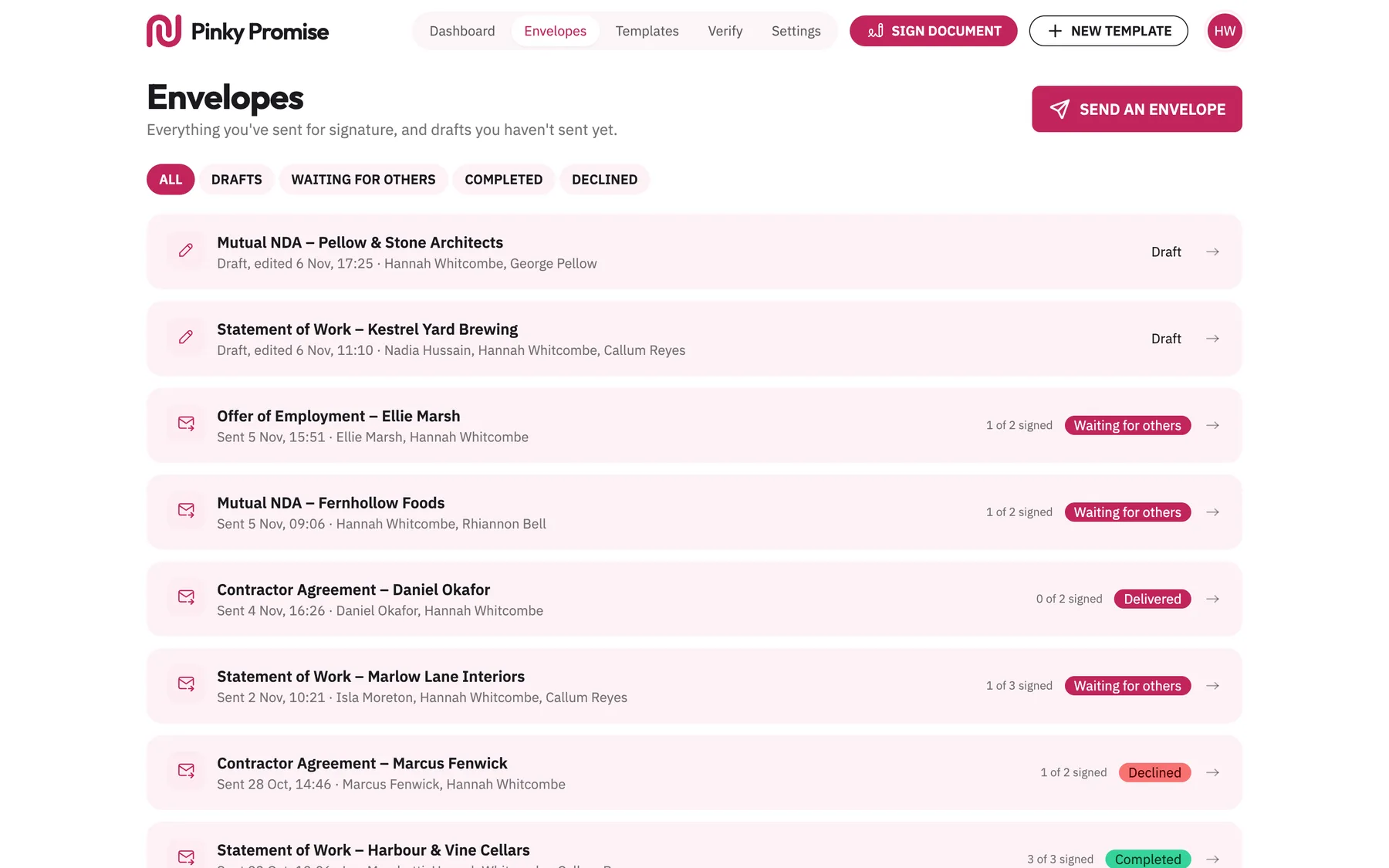
Send it as an envelope
Every envelope in one place: drafts, waiting for others, completed and declined.
They sign, in their own language
A guided signing screen in 14 languages, from English and Español to العربية and 日本語.
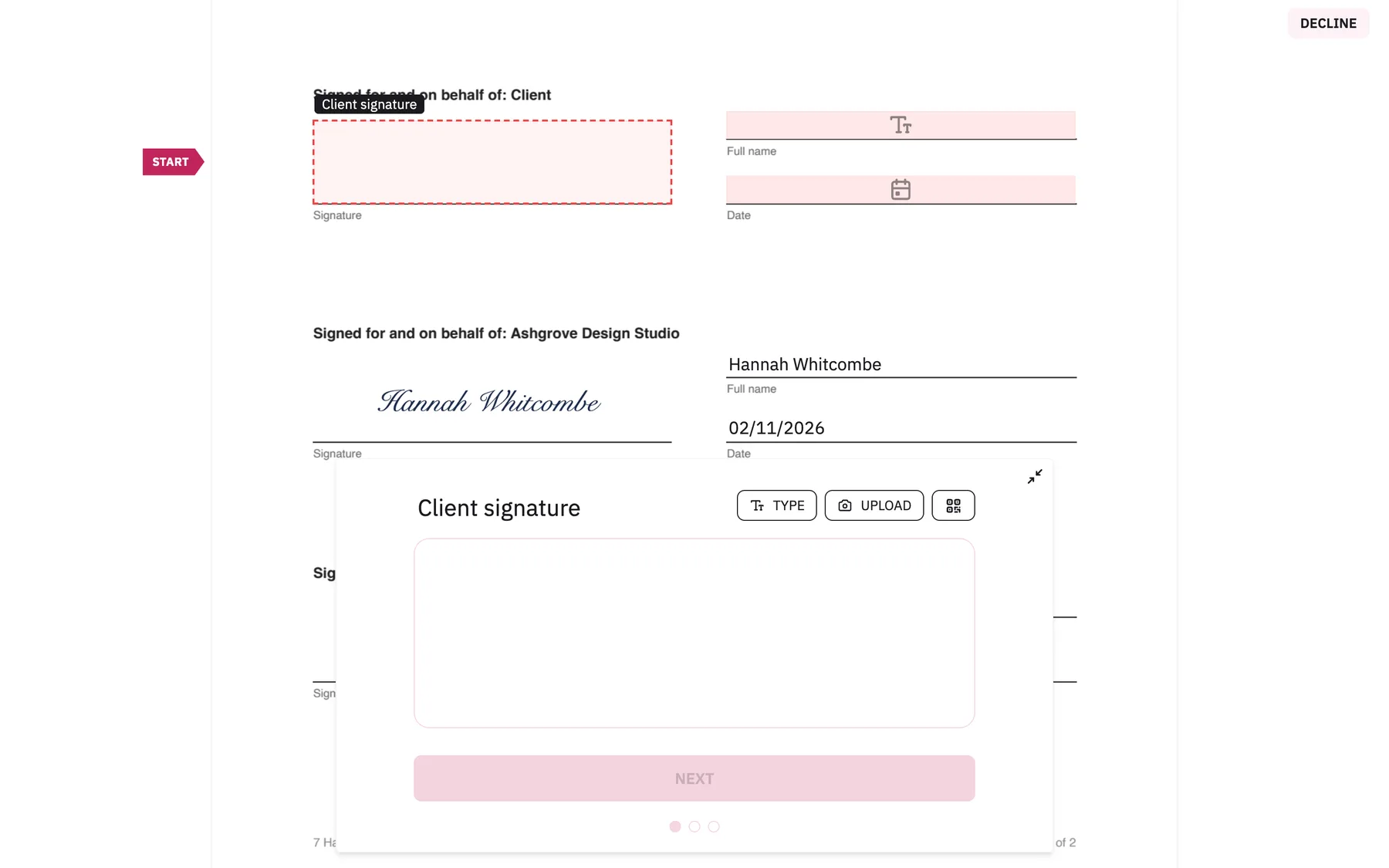
Three parties, one envelope
The same envelope, opened by two of its signers.
The client
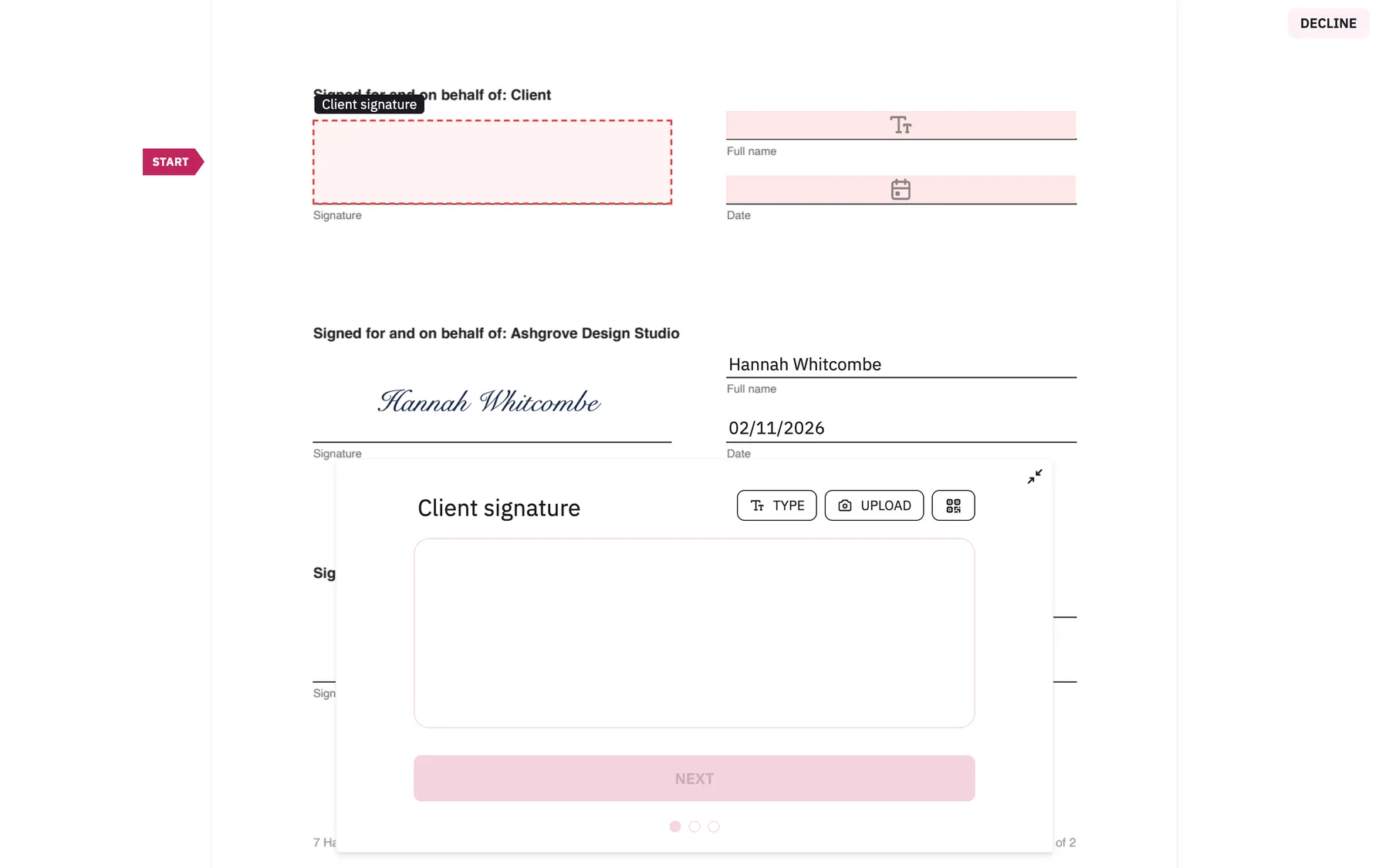
The delivery partner
Who sees what
Private by default
A document is visible only to the person who made it.
Emails only to who they're for
Signing links go to recipients; activity and the audit trail go to the sender.
The signed PDF, nothing more
Recipients get a direct download, never the preview page or the audit log.
The film
Pinky Promise
Online signing in 14 languages where each party sees only their own papers. Signers get the signed PDF, nothing more.